







AI Video Tools
AI YouTube Shorts Maker
Transform long videos into engaging YouTube Shorts with AI-powered clipping, captions, and vertical video formatting.
2M+
Videos Created
95%
Time Saved
4.9
User Rating
Trusted by the best agencies & video editors across the world


Overview
What is Ad Analysis?
Ad Analysis uses AI to understand your video’s structure, pacing, emotion, and scene transitions to recommend the best moments for:
- Mid-roll ads and Promotional CTAs
- Sponsored segments and Brand Integrations
- Product placements and Cross-promotions
The result: Instead of inserting ads at random timestamps, you place them where they feel natural and engaging.
Why Choose Videograph AI AD Analysis
For the moments that promotes well

Stop Guessing Placement Timing
Random mid-roll placements reduce retention. AI identifies natural content breaks that protect viewer experience.

Improve Ad Engagement
Context-aware placements increase the likelihood that viewers watch, interact, and convert.

Blend Ads with Content
Place ads where they feel like part of the story — not interruptions.

Monetize Without Hurting Retention
Maximize revenue while maintaining audience trust and watch time.
Ready to transform your videos?
The Youtube video workflow - Optimized
From ingest to monetization, manage massive content operations with AI automation.
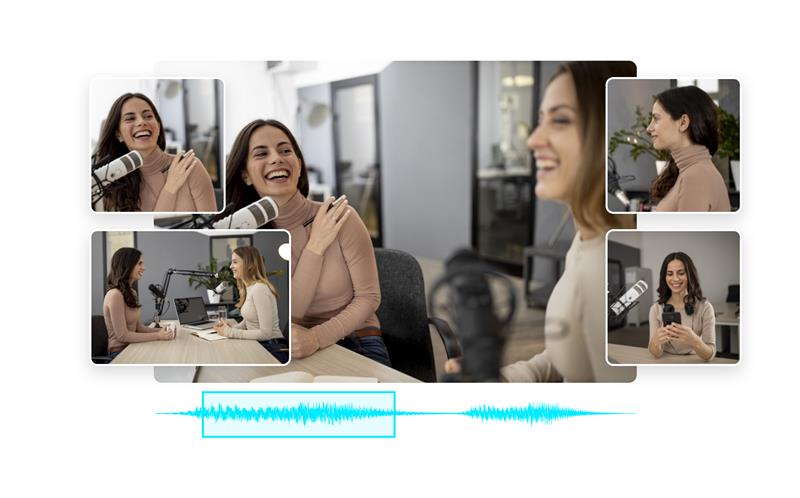
AI Highlight Detection
Automatically detect engaging scenes suitable for YouTube Shorts.
- Identify reactions, insights, and high-energy moments
- Extract multiple short clips from long videos
- Reduce manual editing time significantly
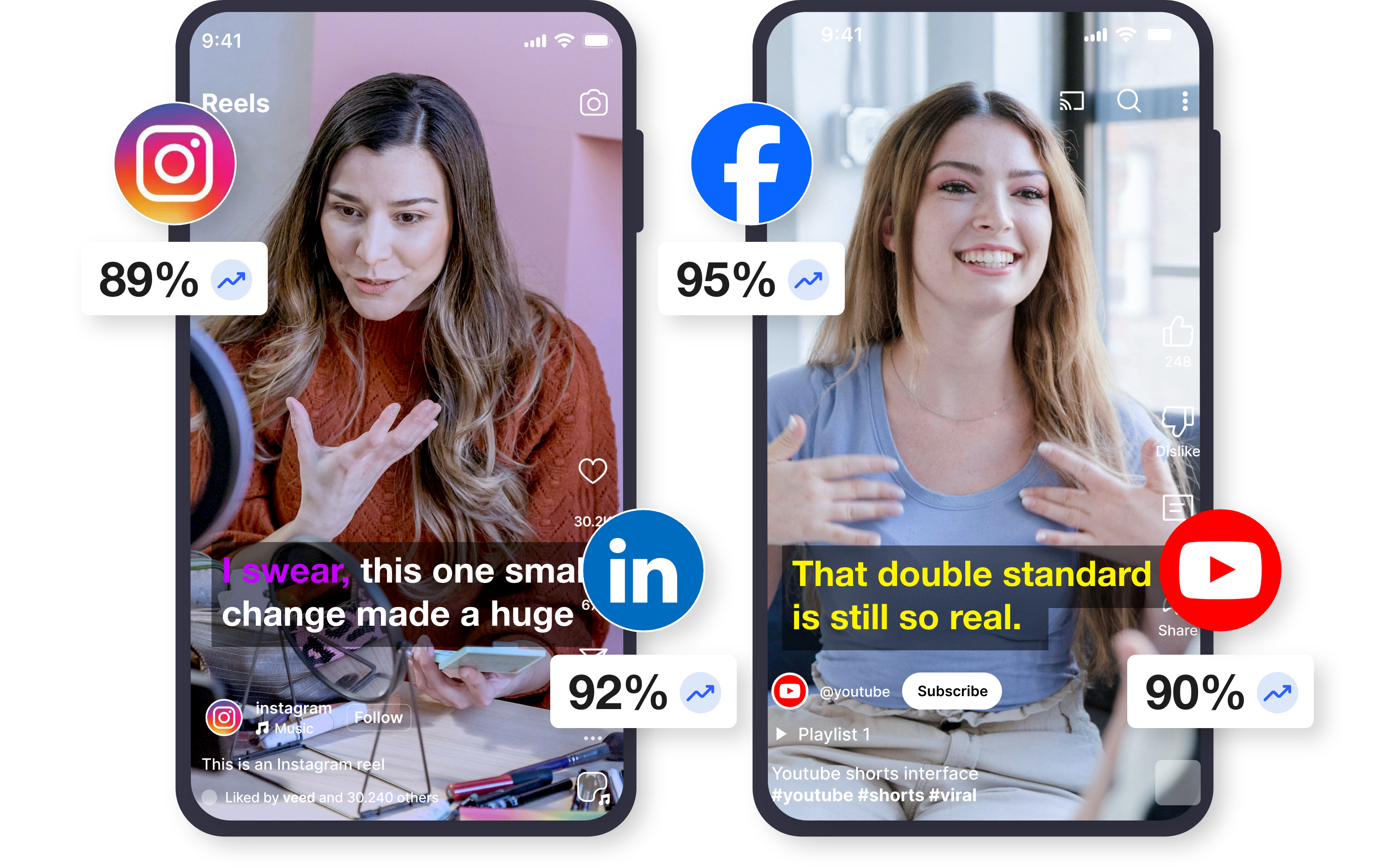
Smart Crop for Vertical Video
Convert horizontal videos into vertical Shorts.
- Automatically keep the subject in frame
- Convert videos into the 9:16 Shorts format
- Optimize clips for mobile viewing
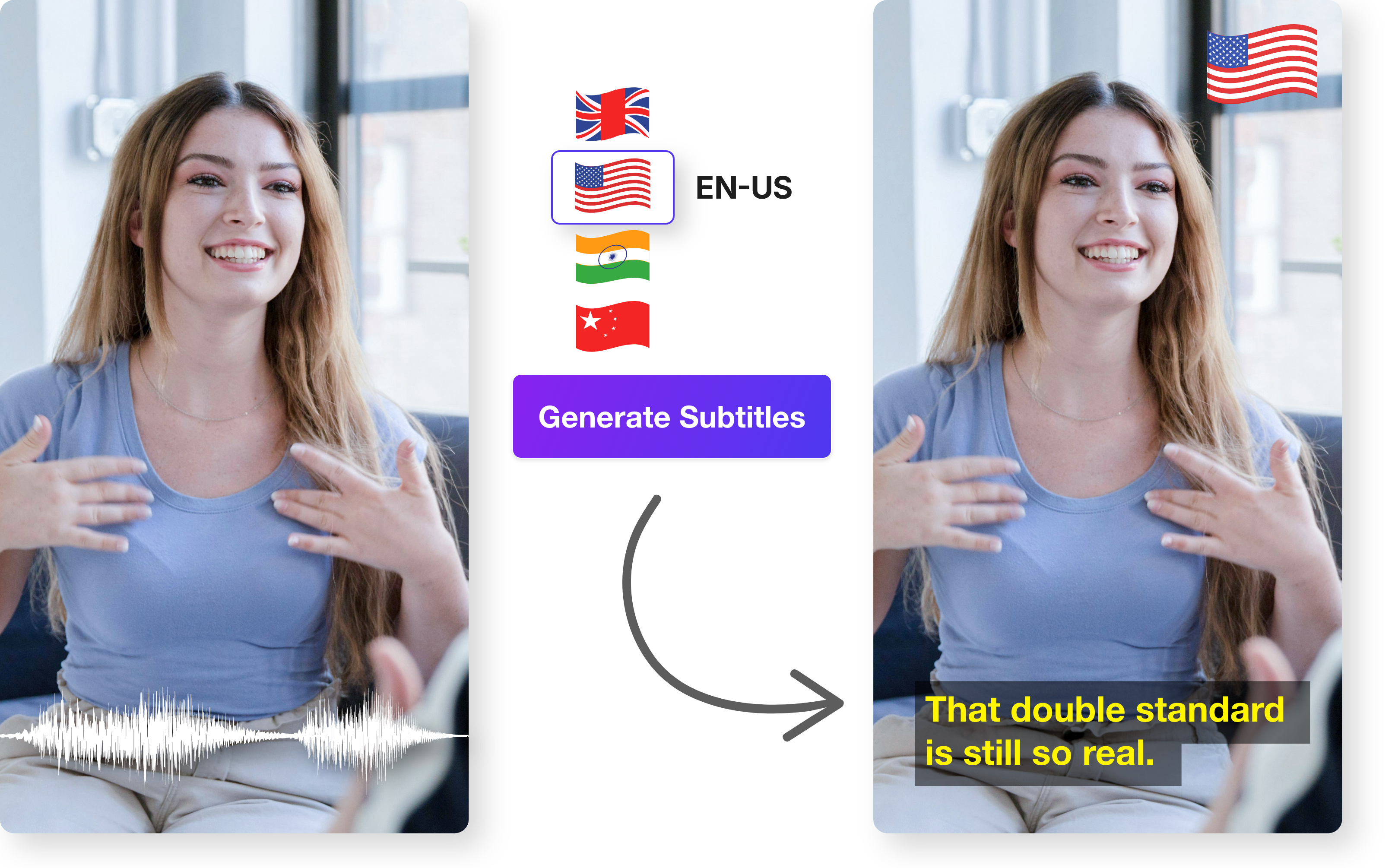
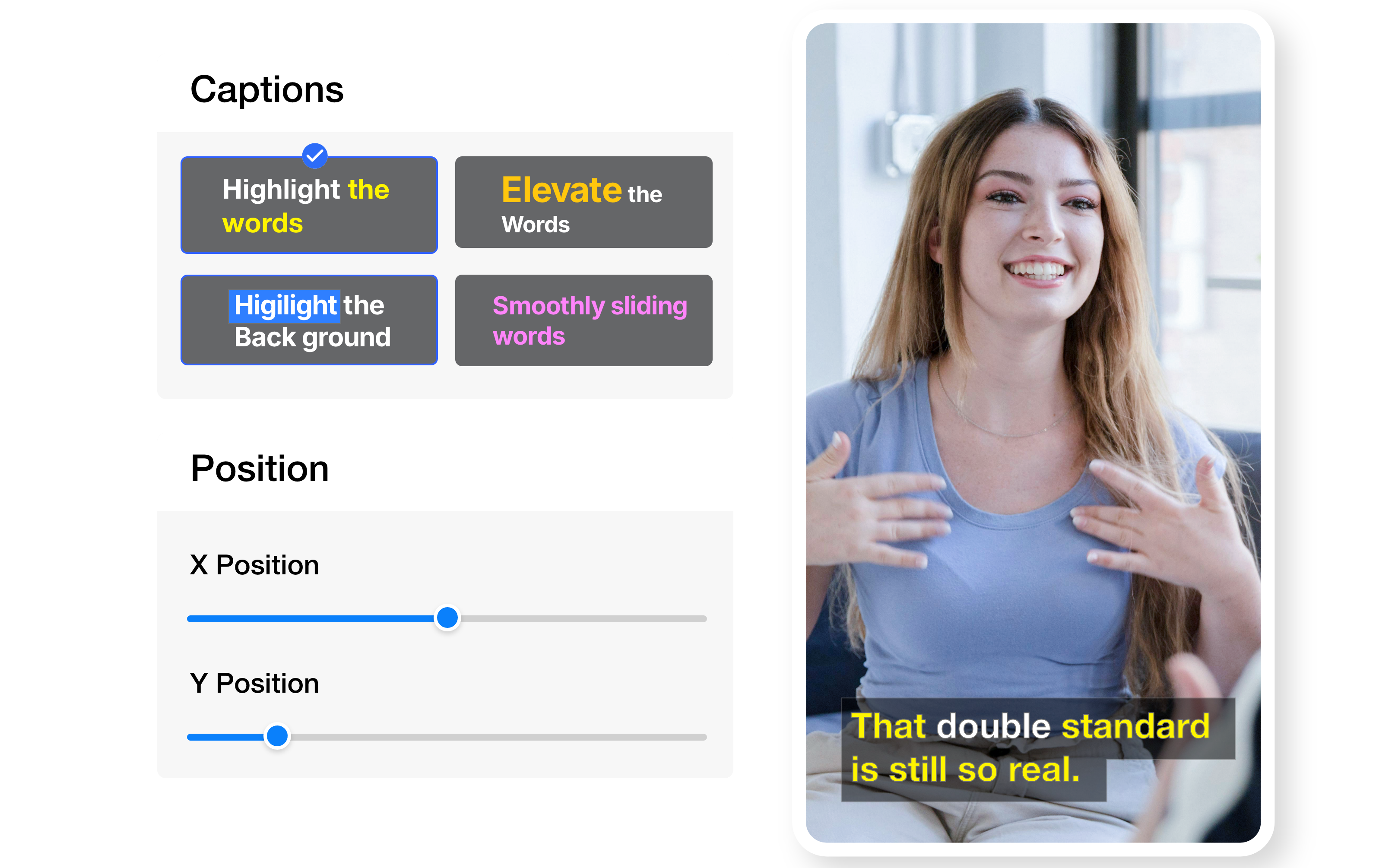
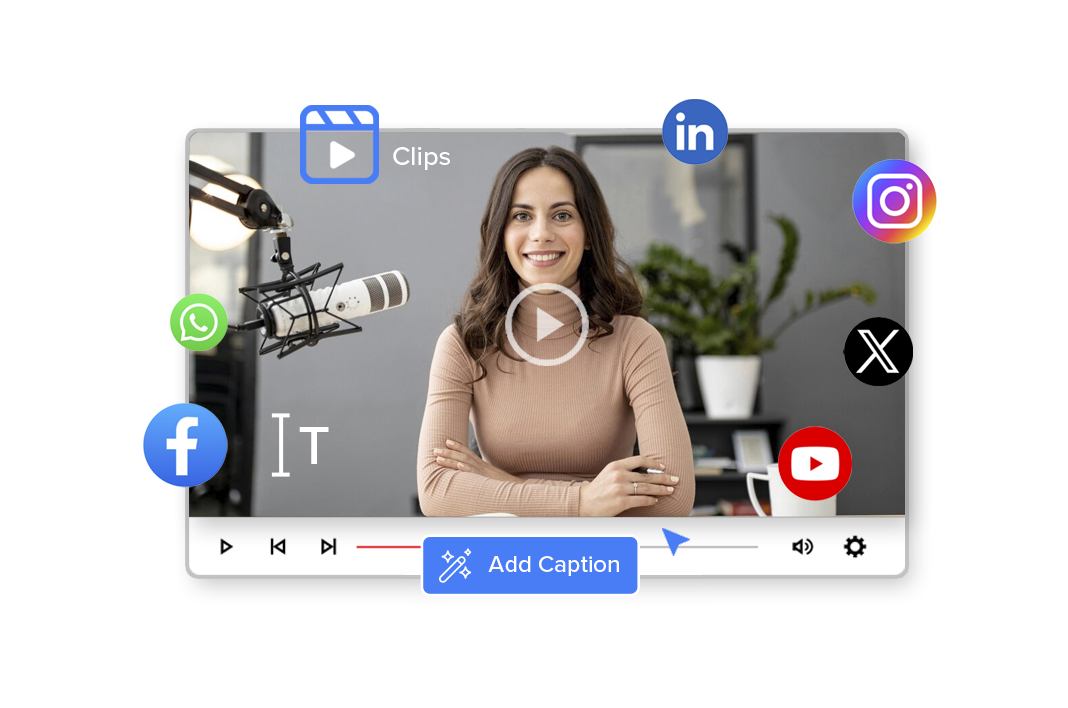
Auto Captions & Subtitles
Add captions that improve accessibility and engagement.
- Create subtitles automatically
- Customize caption styles for social videos
- Support multilingual subtitles
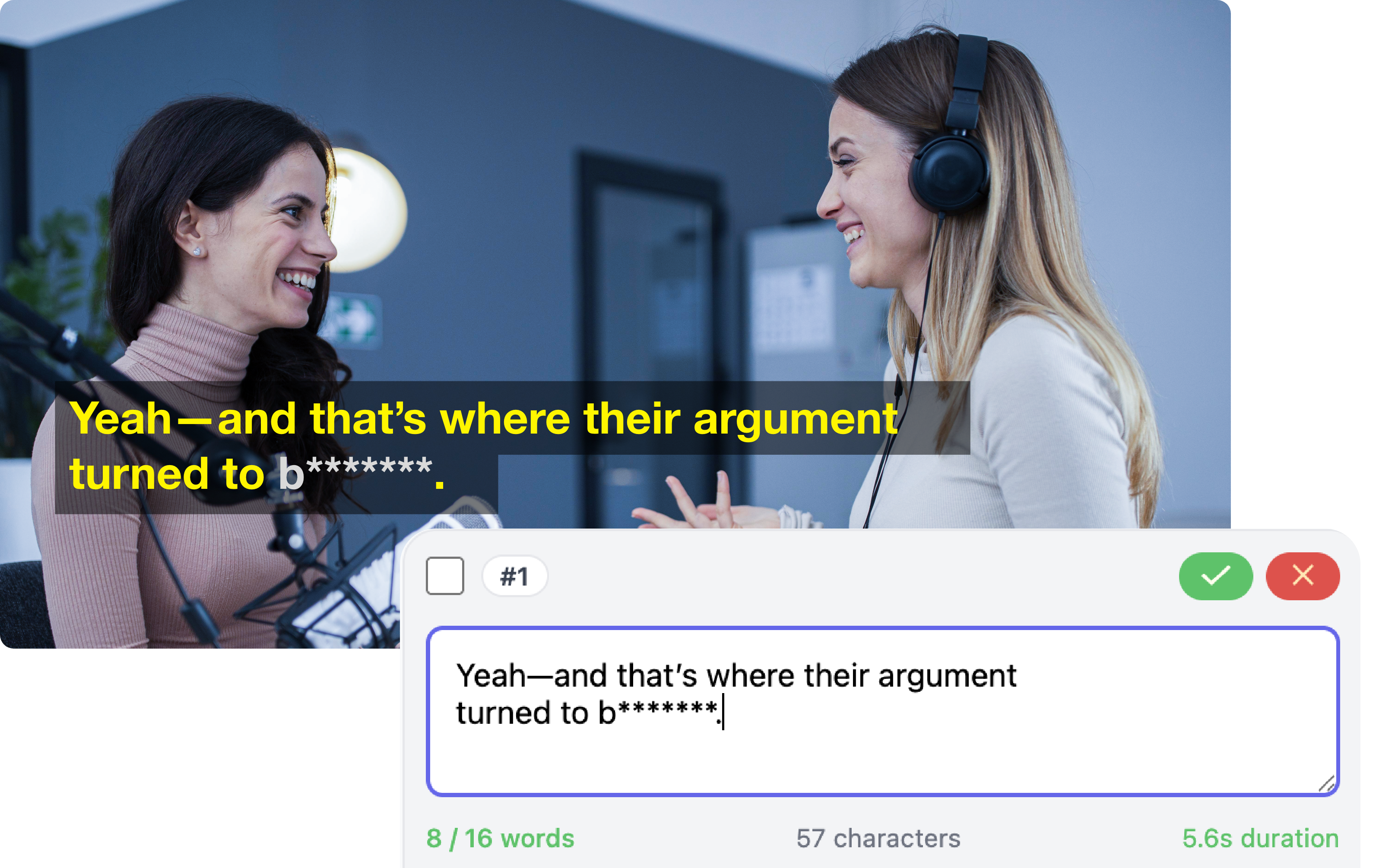
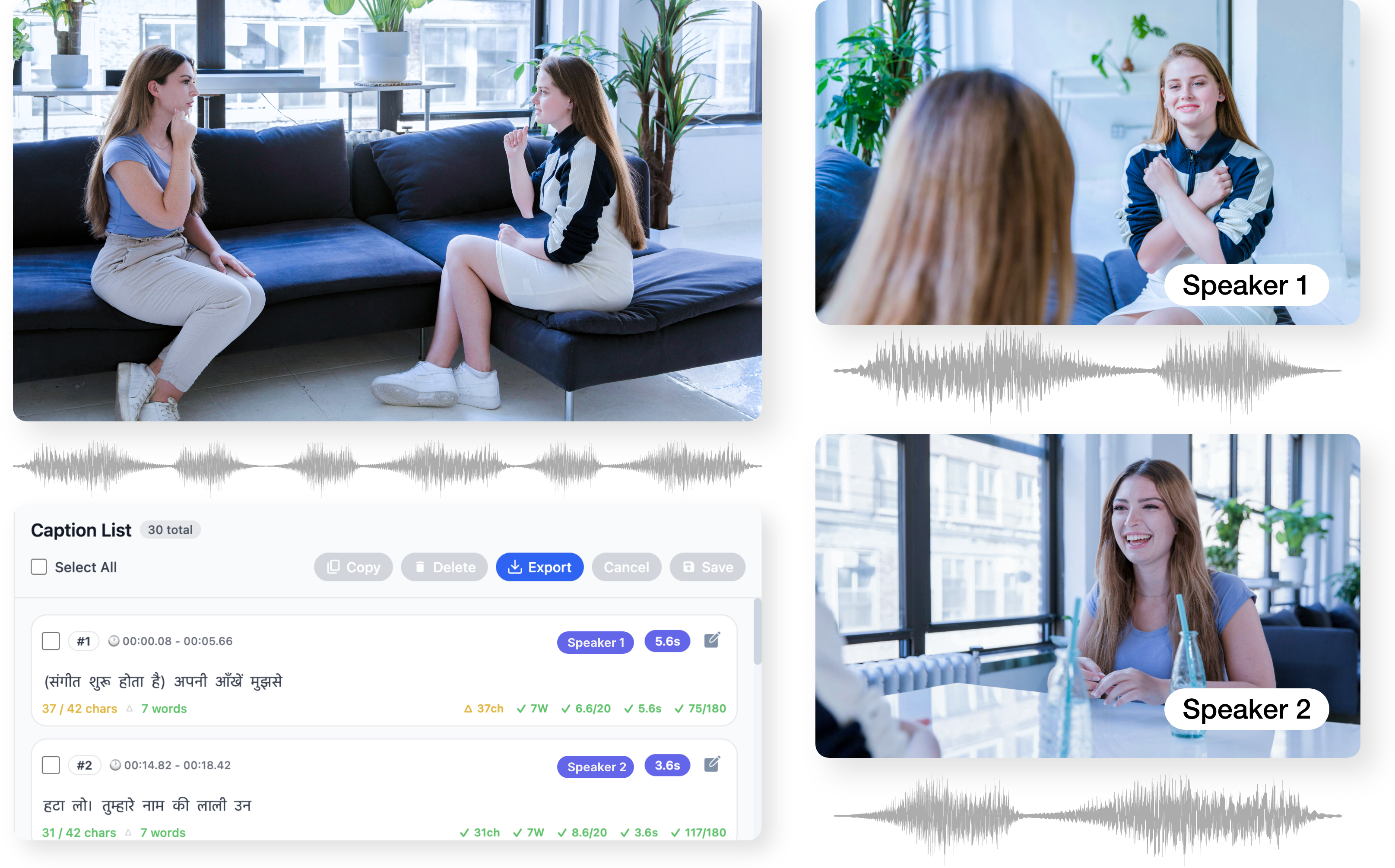
Editable, Brand-Safe Captions
Maintain complete control over your captions while benefiting from AI speed. Easily refine text, tone, and timing to meet brand or editorial standards.
- Full text and timing control
- Easy corrections for names and terms
- No need to regenerate captions
Creator Templates & Branding
Maintain consistent branding across Shorts content.
- Apply branded caption styles and overlays
- Add intros or outros for channel identity
- Use creator-ready visual styles
Metadata & Hashtag Generation
Improve discoverability of Shorts.
- Generate titles and descriptions automatically
- Suggest tags and keywords for YouTube
- Optimize videos for Shorts discovery
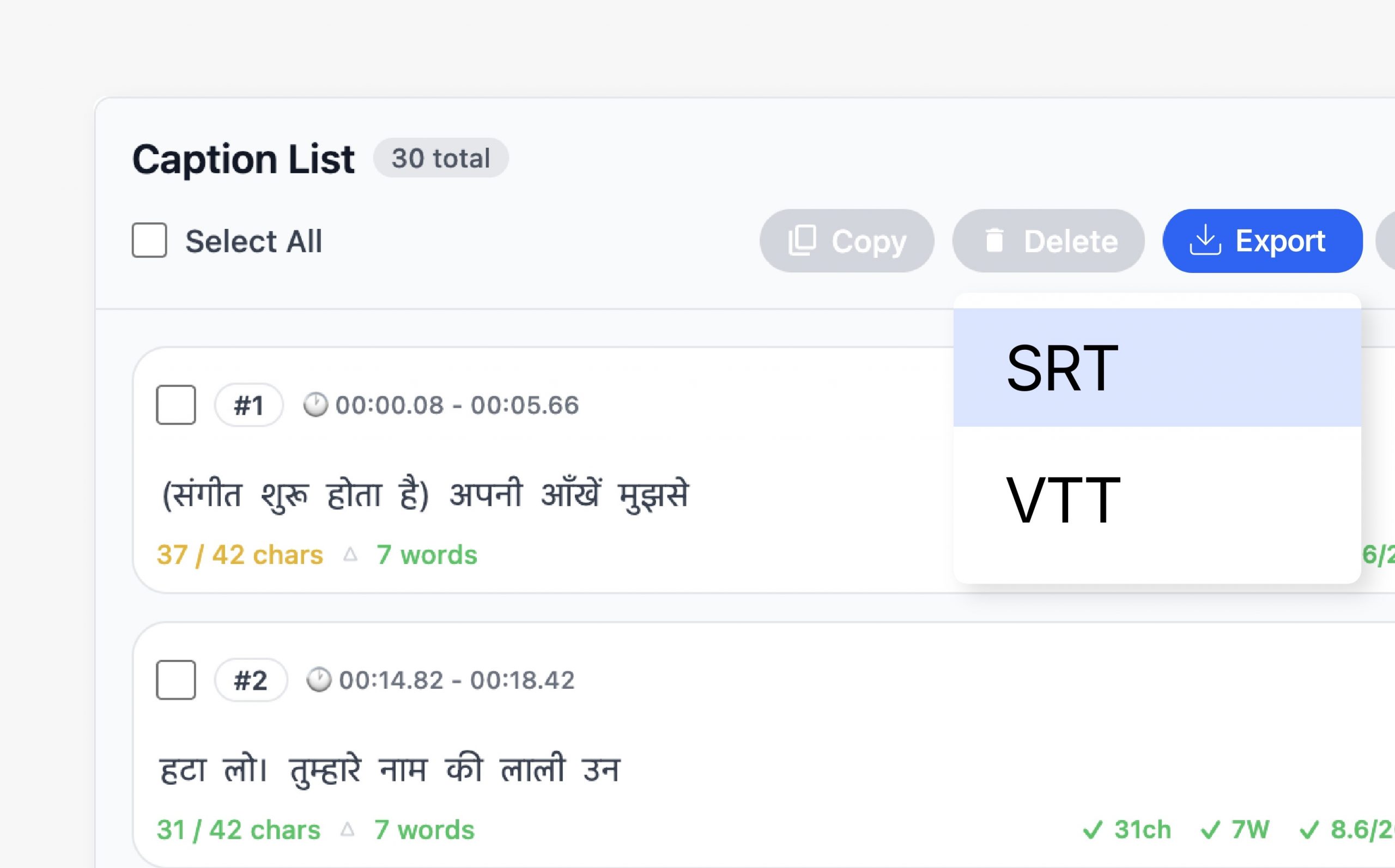
Flexible Caption Export
Export captions in formats that work across platforms and workflows. Choose between embedded captions or separate files depending on distribution needs.
- Burn captions into video
- Export SRT and VTT files
- Compatible with OTT and broadcast
Seamless Videograph Integration
Captions automatically stay in sync with edits, crops, and publishing workflows inside Videograph. No duplicate work or reprocessing required.
- Works with AI Clips and AI Editor
- Syncs with Smart Crop and Split Screen
- Integrated with publishing tools

Simple Process
How It Works
From horizontal to vertical in 3 simple steps. No manual editing required.

1. Upload Your Video
Upload long-form videos such as podcasts, interviews, or livestreams.
Step 2: AI Finds the Best Moments
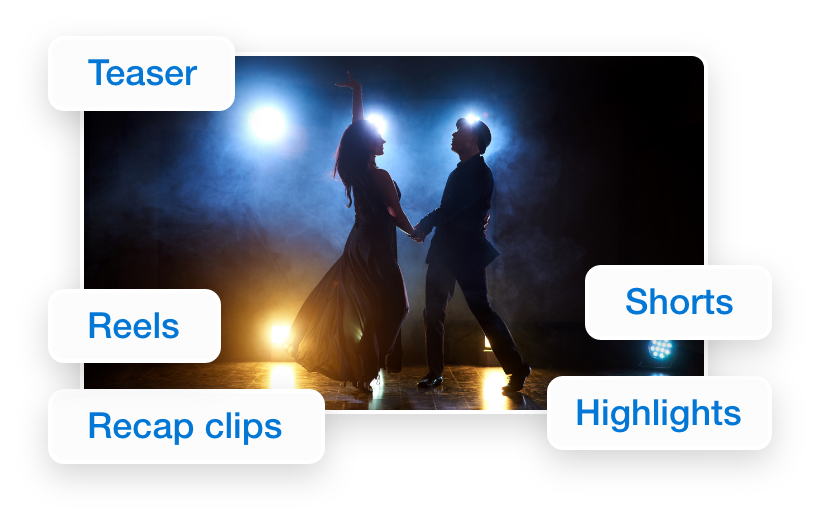
Videograph analyzes the video and detects engaging segments.
3. Customize & Publish
Add captions, branding, and export Shorts-ready clips.
Why Videograph for Youtube creators
Trusted by creators across every industry

Turn Long Videos into Shorts
Convert podcasts, interviews, and streams into Shorts.

AI Clip Generation
Automatically detect highlight moments.

Captions for Shorts
Add engaging subtitles to boost watch time.

Optimized for YouTube
Generate metadata optimized for Shorts discovery.
Why Videograph vs manual editing
See how AI-powered automation compares to traditional manual editing tools.
| Capability | Videograph | CapCut | Descript | Premiere Pro / Final Cut |
|---|---|---|---|---|
| AI Speaker Detection | ||||
| Automatic Split-Screen Generation | ||||
| Dynamic Framing / Intelligent Reflow | ||||
| Portrait-First Output | ||||
| Workflow Integration | ||||
| Live & Recorded Support | ||||
| Ease of Use (AI-First) | ★★★★★ | ★★★☆☆ | ★★☆☆☆ | ★★☆☆☆ |
| Team & Enterprise Scale | ||||
| Publish Directly to Platforms |

Complete Suite
Videograph for your Usecase
A streamlined AI SaaS product
Frequently Asked Questions
Can Videograph turn long videos into YouTube Shorts?
Yes. Videograph analyzes long videos and automatically generates multiple Shorts-ready clips.
Does Videograph support vertical video formatting for Shorts?
Yes. Videos are automatically converted into the vertical 9:16 format.
Can I add captions to YouTube Shorts?
Yes. Videograph generates captions automatically and allows customization.
Create YouTube Shorts Faster with AI
Turn long videos into engaging Shorts in minutes.