






AI Video Tools

Find the Perfect Moments for High-Impact Ad Placement

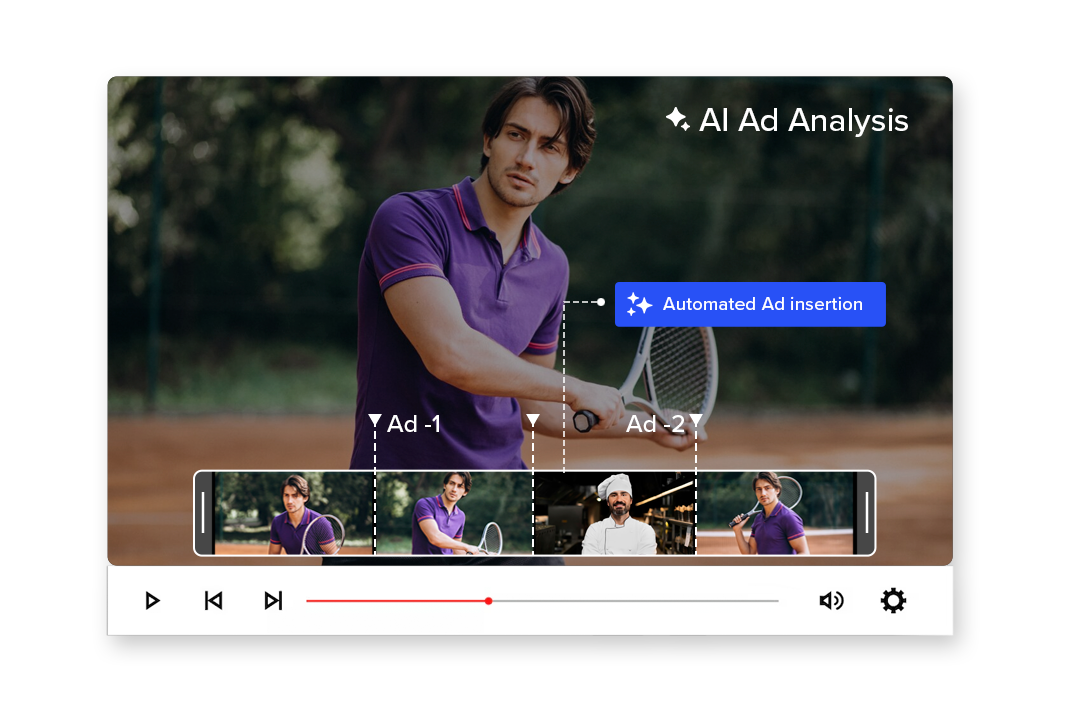
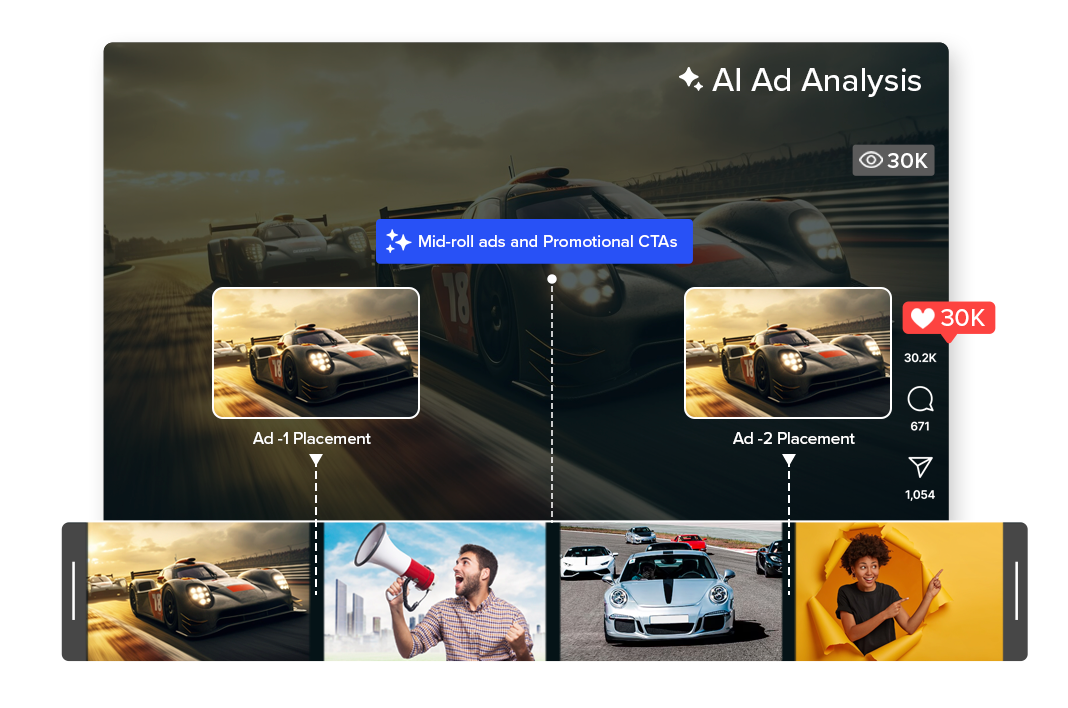
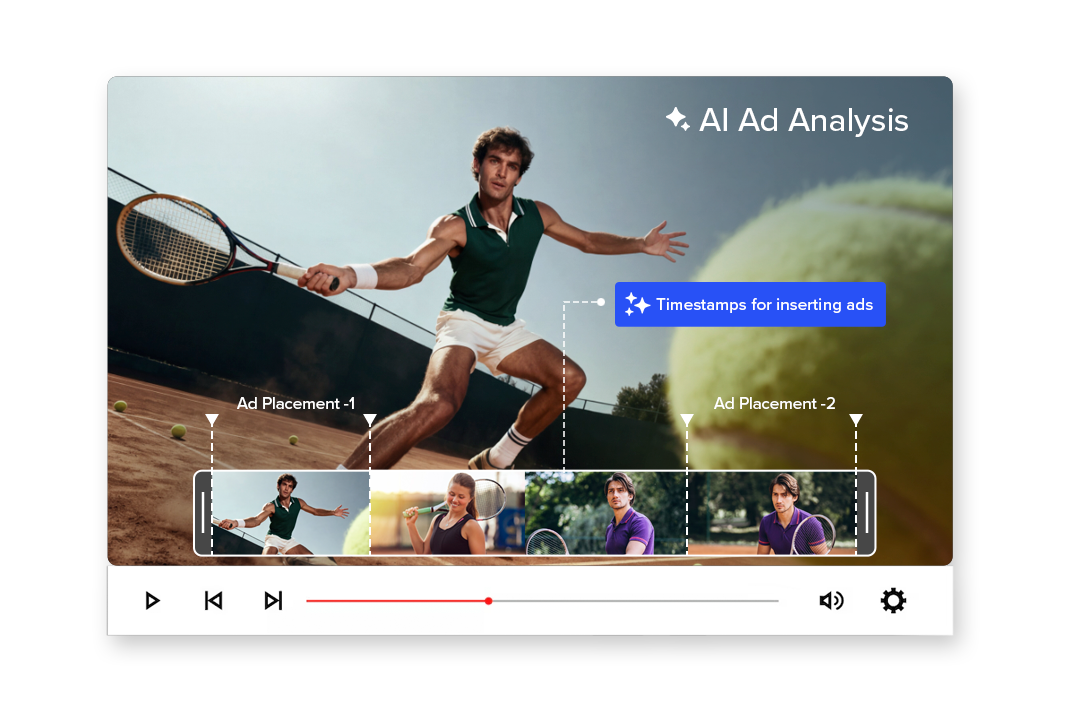
AI analyzes your entire video to identify the most effective timestamps for inserting ads, branded segments, or promotional content — without disrupting viewer experience.


Smarter placements. Higher engagement. Better monetization.

2M+

Videos Created

95%

Time Saved

4.9

User Rating

Trusted by the best agencies & video editors across the world

Overview

What is Ad Analysis?

Ad Analysis uses AI to understand your video’s structure, pacing, emotion, and scene transitions to recommend the best moments for:

The result: Instead of inserting ads at random timestamps, you place them where they feel natural and engaging.

Why Choose Videograph AI AD Analysis

For the moments that promotes well

Stop Guessing Placement Timing

Random mid-roll placements reduce retention. AI identifies natural content breaks that protect viewer experience.

Improve Ad Engagement

Context-aware placements increase the likelihood that viewers watch, interact, and convert.

Blend Ads with Content

Place ads where they feel like part of the story — not interruptions.

Monetize Without Hurting Retention

Maximize revenue while maintaining audience trust and watch time.
Ready to transform your videos?

Features of the AI Ad Analysis

Everything you need for best engagement and monetization

Scene & Context Intelligence

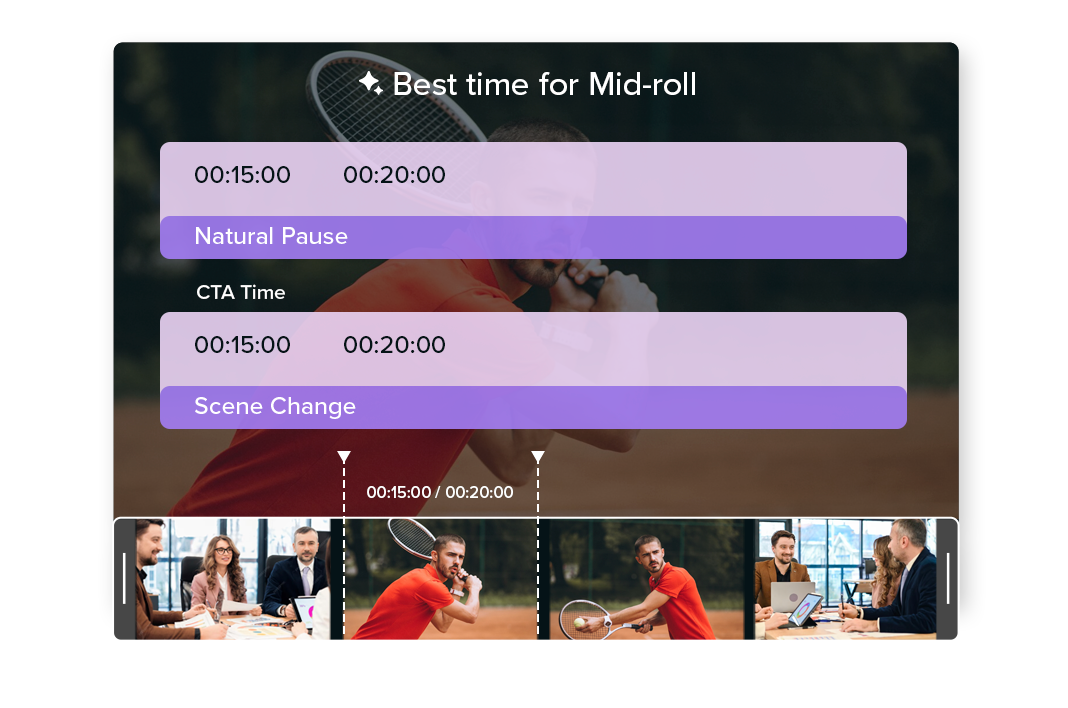
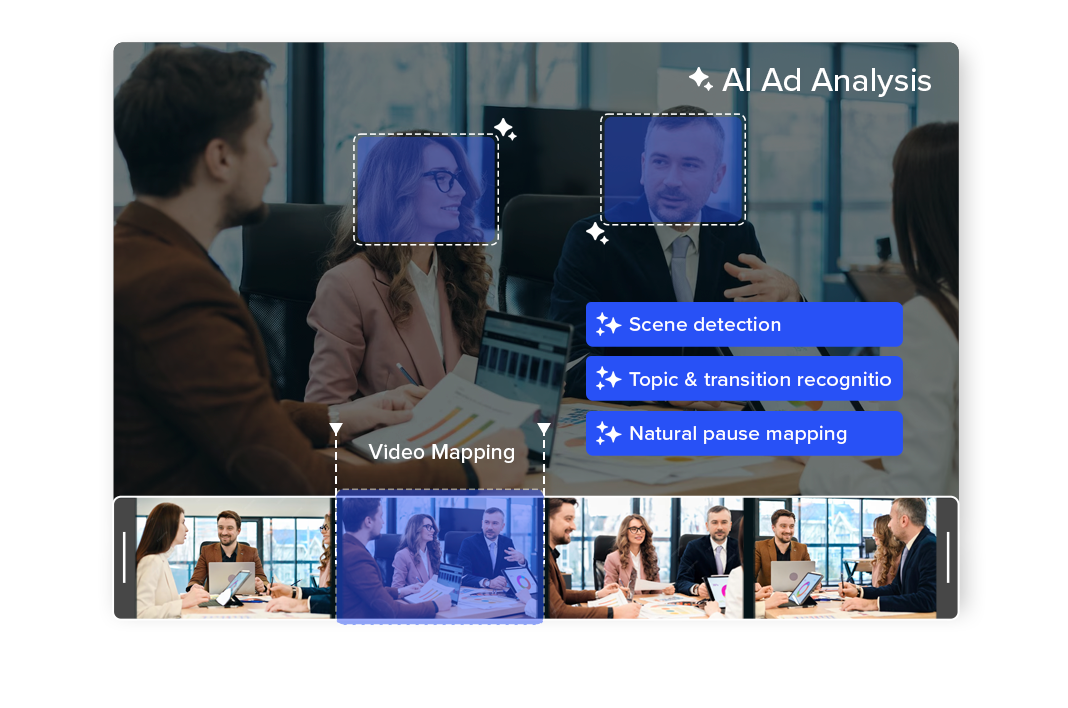
Ad Analysis scans your entire video to understand scene changes, topic transitions, emotional highs, and natural pauses.
and identifies logical breakpoints where viewers are most receptive to ads.

Smart Timestamp Recommendations

Get precise timestamp-level suggestions for where ads, sponsor mentions, or CTAs should be inserted.
Each recommendation is based on pacing, engagement flow, and content structure — not arbitrary timing.

Content-Blended Monetization

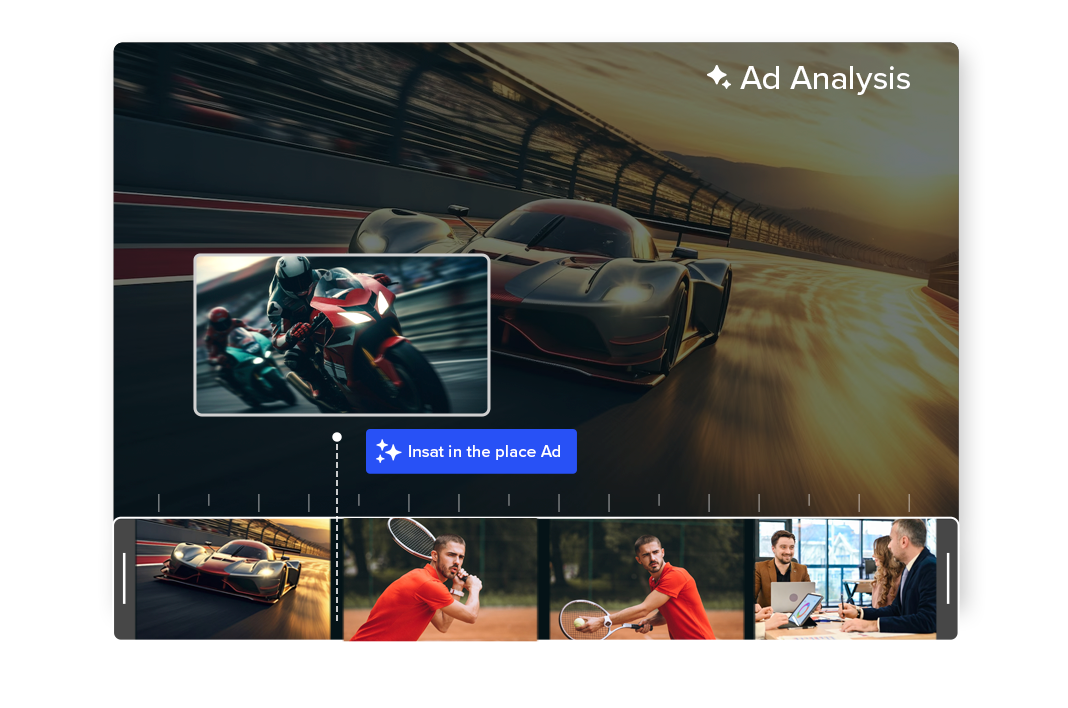
Place ads in moments that feel like a continuation of the content rather than an interruption. This improves viewer experience while increasing ad completion and engagement rates.

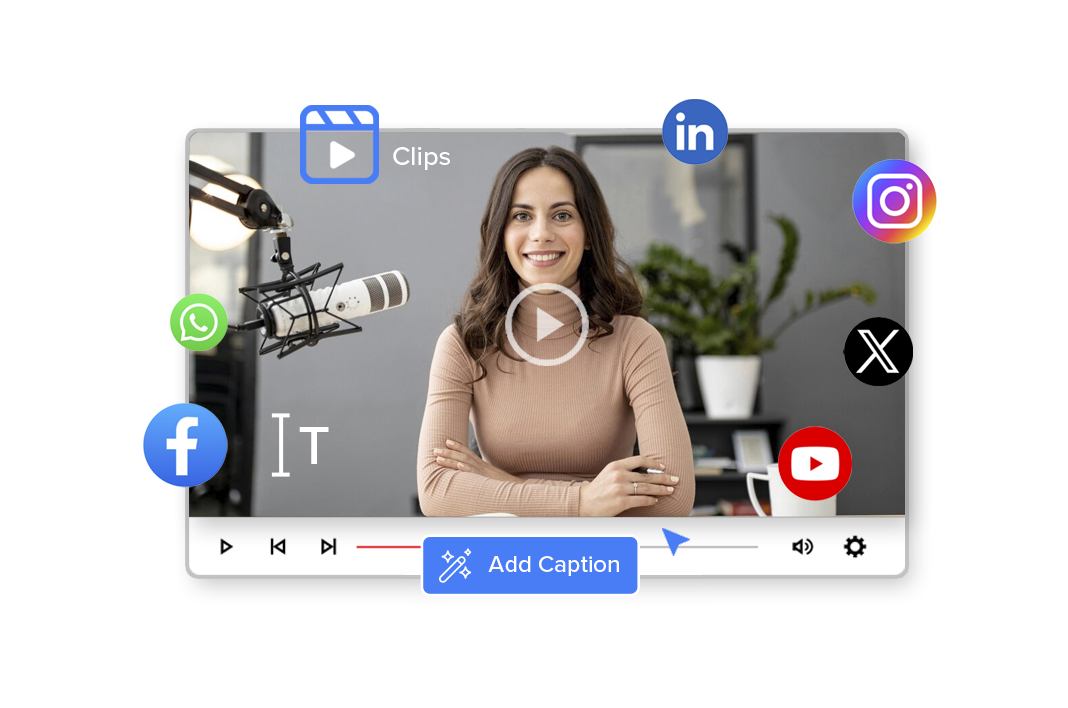
Editable, Brand-Safe Captions

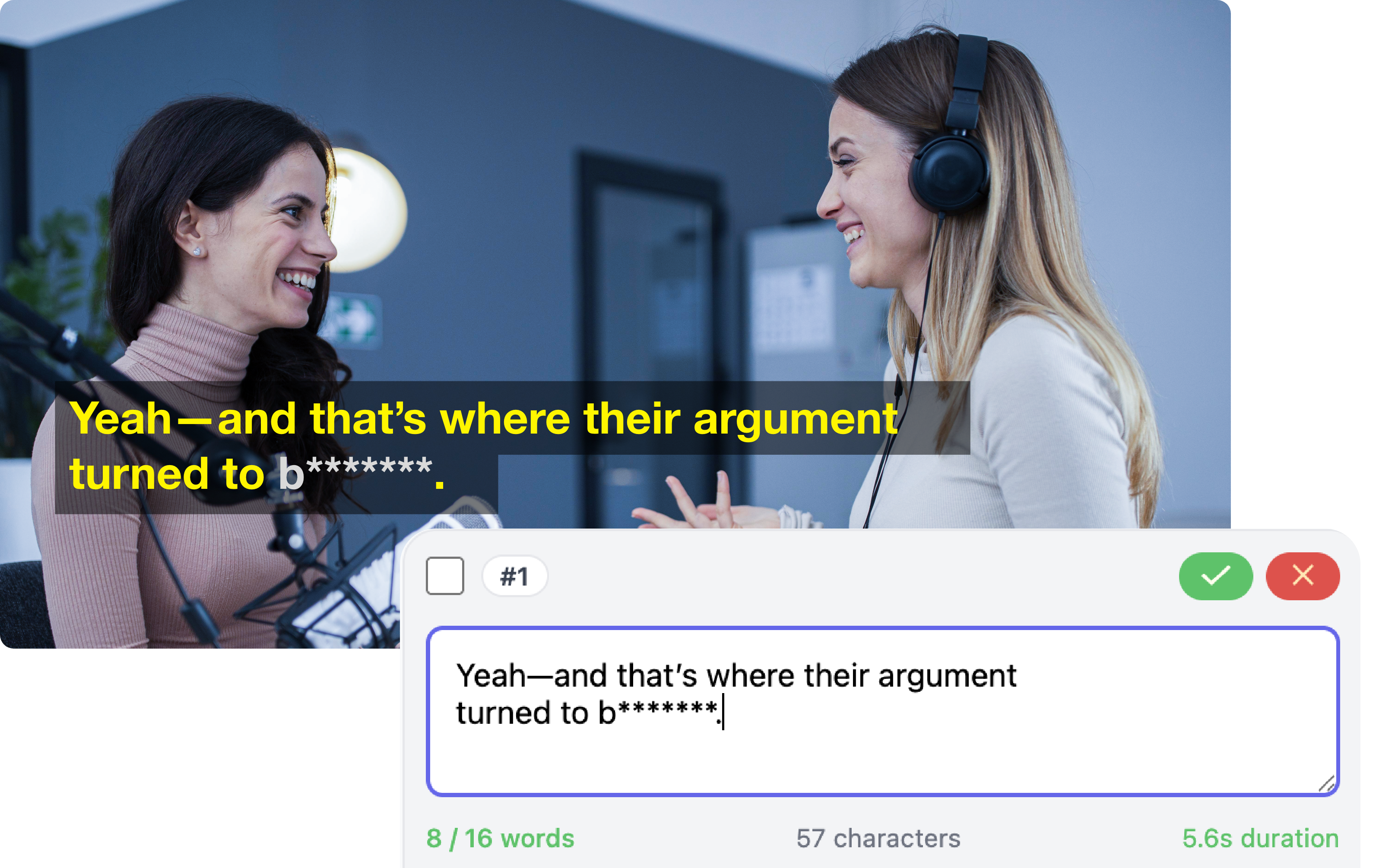
Maintain complete control over your captions while benefiting from AI speed. Easily refine text, tone, and timing to meet brand or editorial standards.

Engagement & Retention Optimization


AI evaluates where audience attention is strongest and recommends placements that protect watch time.
The result is better monetization without sacrificing retention.

Flexible & Scalable Workflow

Whether you’re managing a single video or a full content library, Ad Analysis integrates into manual or automated workflows.
Approve recommendations, insert markers, or automate ad placements based on your monetization strategy.

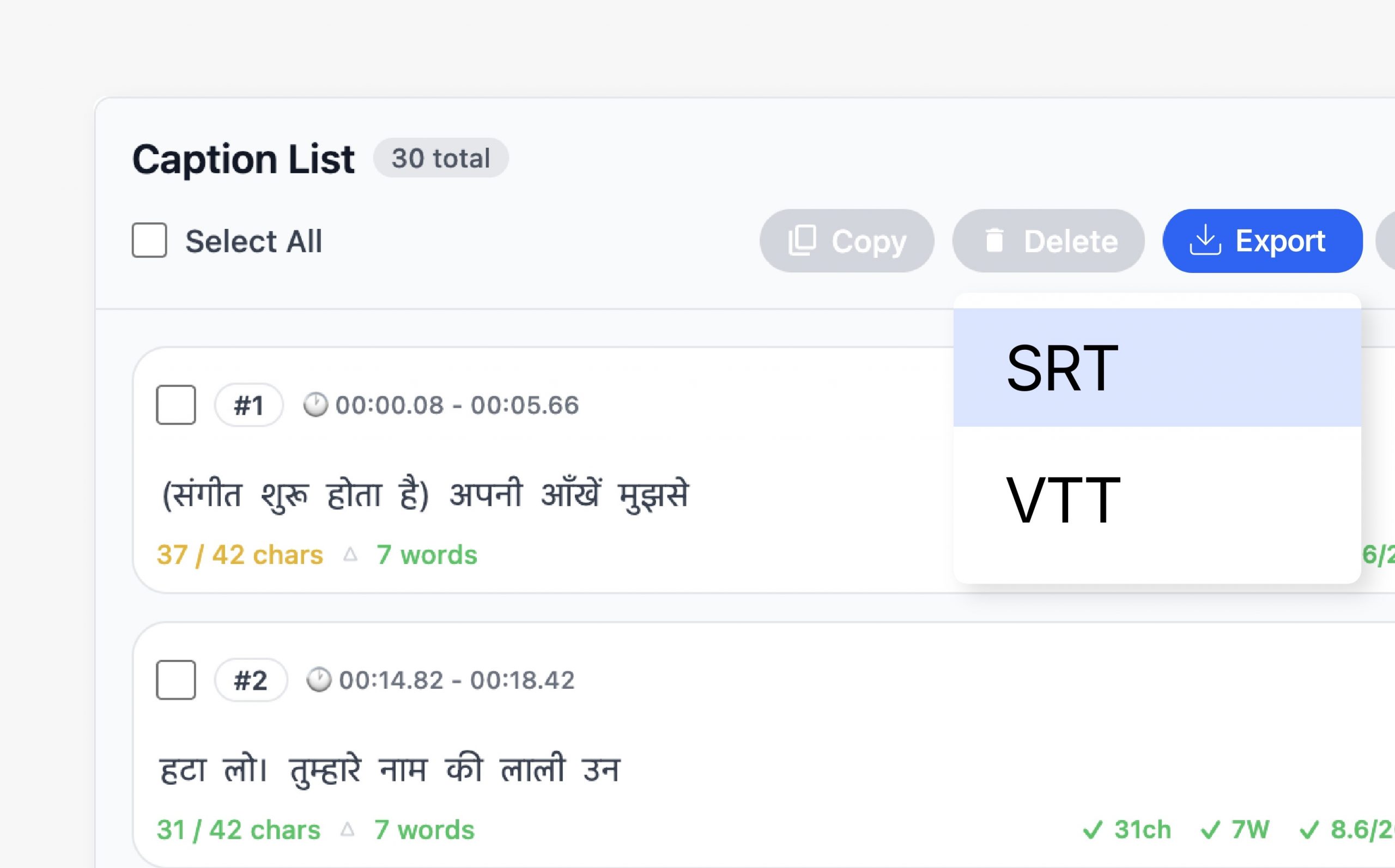
Flexible Caption Export

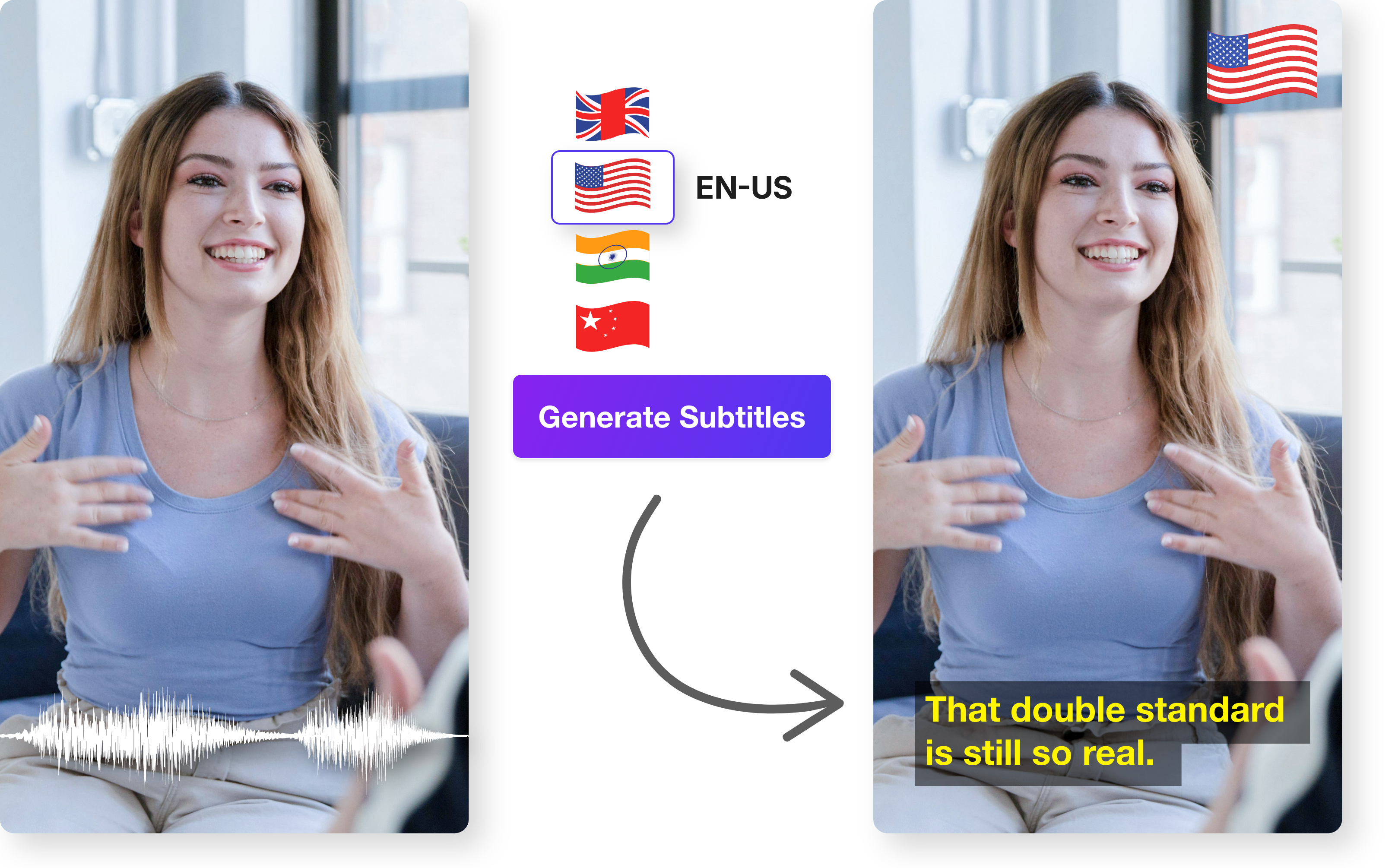
Export captions in formats that work across platforms and workflows. Choose between embedded captions or separate files depending on distribution needs.

Seamless Videograph Integration

Captions automatically stay in sync with edits, crops, and publishing workflows inside Videograph. No duplicate work or reprocessing required.

Simple Process

How It Works

From horizontal to vertical in 3 simple steps. No manual editing required.

analysis 1

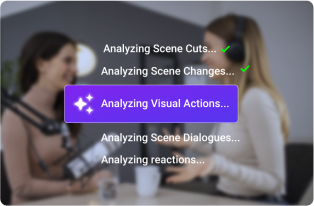
1. Analyze the Video

AI scans your full video — identifying scenes, transitions, and engagement peaks.

Step 2: Review Placement Suggestions

Get timestamp-based ad placement recommendations with contextual reasoning.
20

3. Insert & Optimize

Approve placements, insert ads or CTAs, and publish with confidence.

Perfect For

Trusted by creators across every industry

Content Creators

Place mid-roll ads and sponsor messages without damaging viewer retention.

News and Media

Insert contextual promotional segments without interrupting story flow.

Sports and Broadcasters

Add ads during natural match pauses, highlights transitions, or analysis breaks.

OTT & Enterprise Publishers

Scale monetization strategies with intelligent ad placement across large video libraries.

Why Videograph vs manual editing

See how AI-powered automation compares to traditional manual editing tools.

Capability Videograph CapCut Descript Premiere Pro / Final Cut
AI Speaker Detection
Automatic Split-Screen Generation
Dynamic Framing / Intelligent Reflow
Portrait-First Output
Workflow Integration
Live & Recorded Support
Ease of Use (AI-First) ★★★★★ ★★★☆☆ ★★☆☆☆ ★★☆☆☆
Team & Enterprise Scale
Publish Directly to Platforms

Complete Suite

Part of Portrait Pro — 11 AI Features

AI video editor is one of 11 powerful AI features designed to transform your video workflow

Frequently Asked Questions

How does Ad Analysis decide the best ad placement?

Ad Analysis evaluates scene transitions, pacing, emotional shifts, topic changes, and natural pauses within the video. It identifies logical breakpoints where inserting an ad feels natural instead of disruptive.

No. The system provides intelligent timestamp recommendations. You can manually approve placements or connect it to automated ad insertion workflows depending on your setup.

Yes. It is especially effective for mid-roll optimization, identifying moments where viewer engagement is stable and less likely to drop after an insertion.

While results vary by audience and content type, smarter placement timing generally improves ad completion rates, engagement, and sponsor effectiveness — all of which contribute to stronger monetization outcomes.

Turn better timing into better revenue.

Place ads where they perform — not where they interrupt.